MacBook cleaning
& thermal paste.
Quiet fans, cool CPU, no more thermal throttling. Full dust removal, fresh paste on CPU and GPU. On-site across Helsinki, Espoo, Vantaa and Kerava. Free diagnostics. Faults fixed free.

Pick your tier.
Two service options. Same premium paste in both — you're paying for the depth of work, not the materials.
Full bottom-case removal, fan and heatsink cleaning, fresh paste on CPU and GPU. Fixes 9 out of 10 thermal cases.
- Bottom case removal
- Fans and heatsink cleaning
- Premium thermal paste on CPU and GPU
- Heatsink and fan stripped and cleaned
- Noticeably cooler and quieter
- Faults fixed free
- Free diagnostics
Everything above plus battery health diagnostic, keyboard surface clean and full chassis check. For MacBooks 4+ years old.
- Full disassembly and cleaning
- Premium thermal paste on CPU and GPU
- Battery cycle and health report
- Keyboard surface clean
- Hinge and speaker check
- Faults fixed free
- Free diagnostics
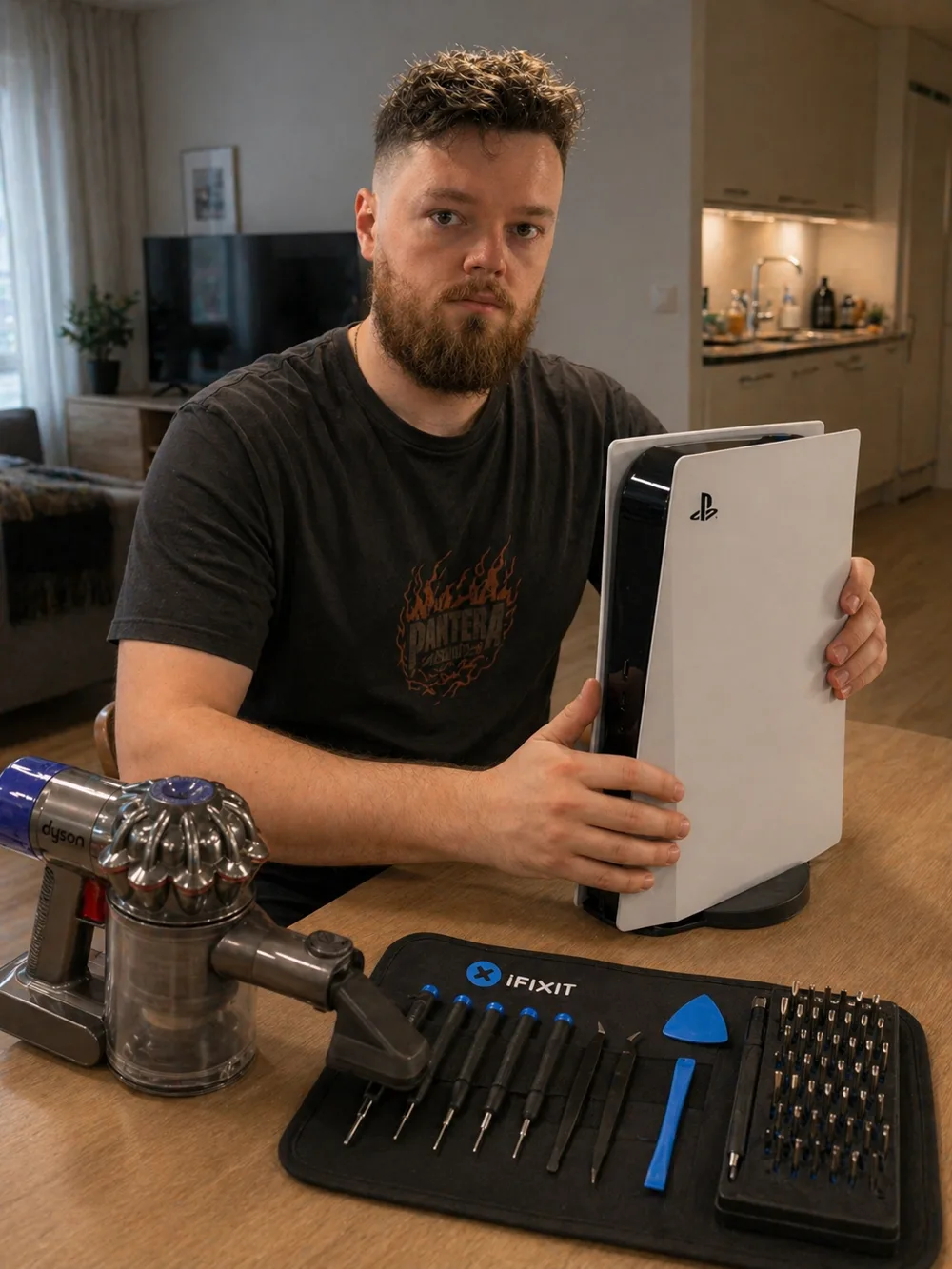
Meet Andrei.
When you book MopsiHuolto, the same person picks up the phone, drives to your door and works on your device. He's a repair technician with 20+ years of hands-on electronics experience, certified in soldering and laptop repair at the Vremonte courses in St Petersburg (2019) — soldering, console maintenance, high-end laptop servicing.
Read the full story →You don't go anywhere.
Almost every job happens on your own table. Not as a perk — it is simply the arrangement that works better for both of us.
Is your MacBook
showing these signs?
Apple does not service MacBooks for dust — they replace logic boards. We clean and re-paste, which fixes the problem at a fraction of the cost.
MacBook howls even on a desktop with nothing open. Dust on the heatsink fins forces fans to compensate at full RPM.
Aluminium chassis is uncomfortable to type on. The CPU runs hot enough to dump heat through the case because the fan can't move enough air.
Spotlight, Photos export, Final Cut — fast at first, then it crawls. The CPU is hitting its thermal ceiling and dropping clocks to survive.
Crumbs and dust under the keycaps. We surface-clean the keyboard during the service — won't fix a butterfly mechanism, but removes years of grime.
Heat is the silent killer.
Once the CPU is running at its limit every day, the damage compounds quietly. By the time the MacBook reboots on its own, the bill is already a logic-board replacement.
Running at the thermal limit day after day accelerates electromigration. Performance drops permanently — even after a later cleaning, the chip won't recover its original speed.
Repeated heating and cooling cracks BGA joints under the CPU and GPU. Eventual symptom: random shutdowns or no display.
Apple's only fix for serious thermal damage is a logic-board swap — €700–€1 200 depending on model. €89 cleaning today prevents that bill.
Clogged fans run at 5 000+ RPM constantly. Bearings wear in half the rated life. Replacing both MacBook Pro fans is €120–€180 in parts alone.
How it works.
Four steps. No surprises, no upselling once the bottom case is open.
Call, WhatsApp or Telegram. We arrange a time that works — mornings, evenings, weekends.
Tell us the model, the year and what it does — fans spinning at idle, hot palm rest, stutter under load. That is normally all we need. You get a fixed price before we set off.
Bottom case off, fans and heatsink cleaned, old paste removed, fresh premium paste on CPU and GPU dies, reassembly with calibrated torque.
Reassembled and pushed with a real workload. The fans have to settle and stay settled before we pack up.
Before / After.
What actually changes after a full service — the difference you notice using it. These are outcomes, not sensor readings: we tell you what you will see and hear, not numbers we did not take.
MacBook thermal-paste impact baseline from iFixit teardowns and the MaxTech YouTube channel — see their MacBook re-paste tests.
519+ reviews
since 2017.
“Really good service. I reported my computer model, and the battery was replaced as soon as the battery arrived at a time that suited me. Much faster than Apple's service. I took my computer to the repairman in my backyard, and picked it up an hour later from the same place, perfectly working. Everything was made really easy for me, I highly recommend it!”
“Very professional and knowledgeable service! I took my two Macs in for service because they had been out of warranty and were overheating for half a year. The service did a thorough cleaning and replaced the thermal paste, which saved the …”
“I am very glad that I found such a specialist in the field of Mac service.For my recording studio, it is important that the equipment is reliable and works without stopping.All work was completed to the highest standard throughout the day!Andrey himself took my Mac, cleaned it, changed the thermal paste, adjusted the cooling, installed an SSD, at my request, and installed the system on it.During the day I gave away a barely alive poppy, and in the evening I received back a working, clean one.Productivity has increased several times!Show list”
MacBooks on our bench.
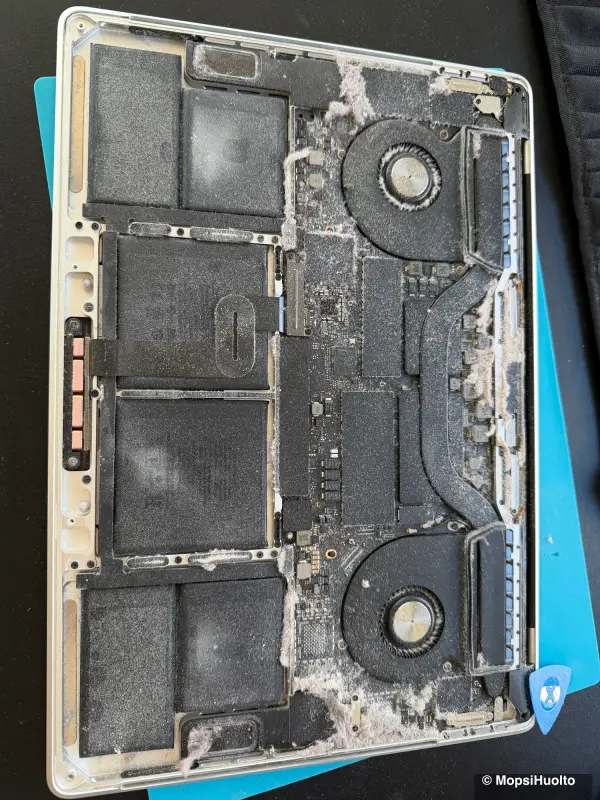
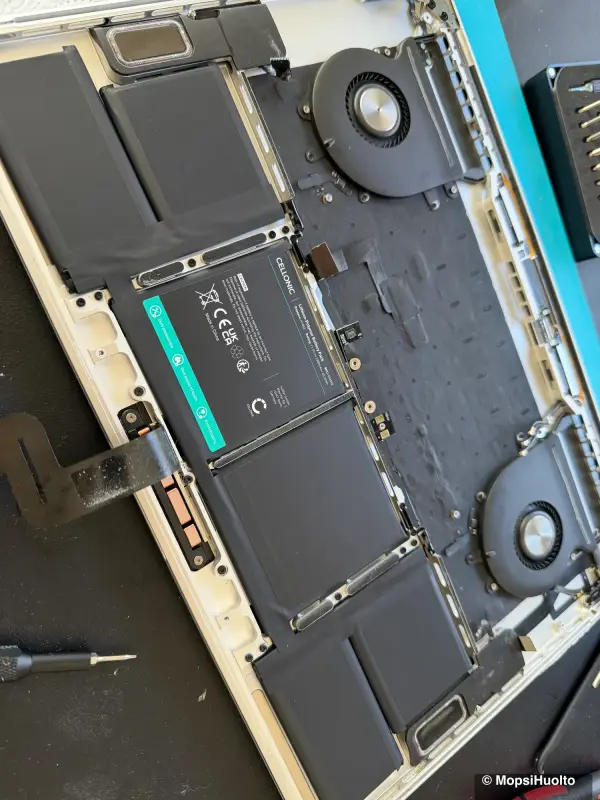
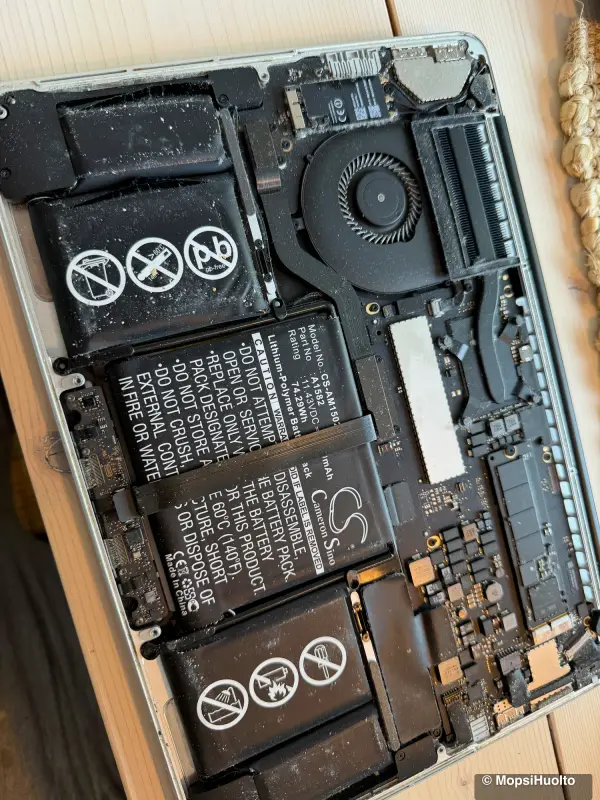
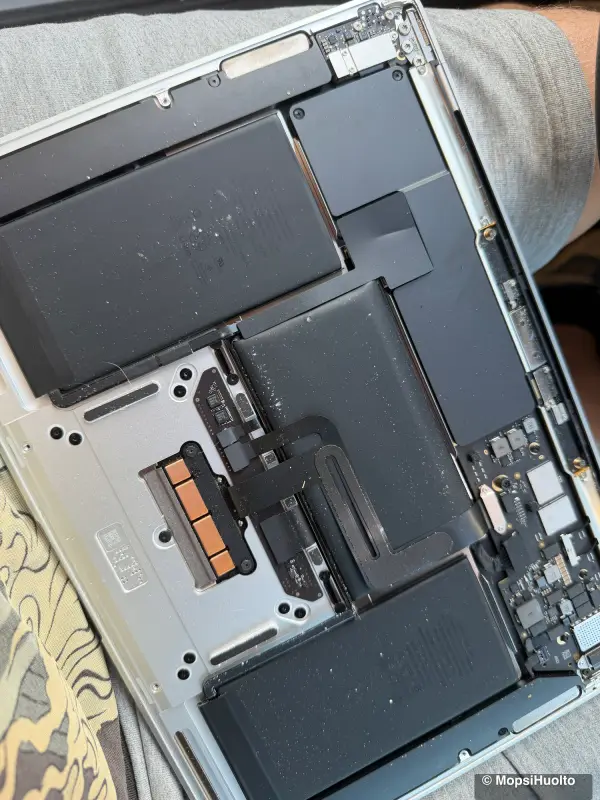
Questions,
answered.
Couldn't find what you need? Call us — we reply in minutes.
Will this void my Apple warranty?+
Opening the bottom case voids the Apple manufacturer warranty. If your MacBook is still under warranty (under 1 year, or under 3 with AppleCare+), book service through Apple instead. For older MacBooks where the warranty has expired, our service is the most cost-effective way to restore cooling. Any fault in our work is fixed free of charge.
Which MacBook models do you service?+
Every Intel and Apple Silicon MacBook from 2015 onwards: MacBook Air, MacBook Pro 13/14/15/16, including M1/M2/M3 models. Apple Silicon MacBooks run cooler, but the fans still collect dust and benefit from cleaning every 2–3 years.
Do Apple Silicon MacBooks need this service?+
Less often than Intel ones, but yes. M1/M2/M3 MacBook Pros still have fans, and dust accumulates on the heatsink fins the same way. After 3+ years of daily use we typically see the fans getting louder and the machine running hotter. Apple Silicon MacBook Airs are fanless, so they only need a chassis clean.
How long does the service take?+
Cleaning + paste: about 1.5 hours. Full service with battery check: about 2 hours. We work on-site at your home or office — put the kettle on — we'll hand you back a quiet MacBook.
Can you fix a stuck keyboard or replace it?+
We surface-clean the keyboard during service, which removes crumbs, dust and surface grime. Replacing individual keys or a whole top case is a separate workshop job — we'll quote it after diagnosis if it's needed.
Do you come to my location?+
Yes — most MacBook cleaning is done at your home or office across Helsinki, Espoo and Vantaa. Travel is included in the price. Kerava and anywhere else beyond Kehä III: we still come, with €0.50/km on top and travel for agreed work only.
Worth reading first.
Loud fan, hot MacBook: check the surface and Activity Monitor first. Intel Pros clog with dust; a fanless M-series Air slows down instead of getting loud.
Replace it when macOS says Service Recommended and runtime hurts, past Apple's cycle limit, or at once if it swells. How to check, and what a swap costs.
Related services.
The exact price for your model, from the calculator on the page.
Fan, trackpad, USB-C board and speaker — exact price in the calculator.
Dust removal and fresh thermal paste for Mac mini.
Book MacBook cleaning.
Quiet fans, cool CPU, faster sustained performance. Faults fixed free. Free diagnostics first.