MacBook repair,
priced by model.
A fan that grinds or has stopped, a trackpad that no longer clicks or tracks. Type your model and see the exact price. MacBook Air and Pro. On-site across Helsinki, Espoo and Vantaa, or bring it to us. Free diagnostics. Faults in our work fixed free.

Pick the part, see the price.
Choose the part — fan, trackpad, USB-C board or speaker — and type your model or the A-number from the bottom case. You see the part and the work as separate lines, and the total, before anything is ordered. Diagnostics are free, and you pay after the repair.
Parts come from iFixit's European store, new unless marked used. You see the full price — part and work — before anything is ordered.
Type your model or the part code and see the full price — the part and the work.
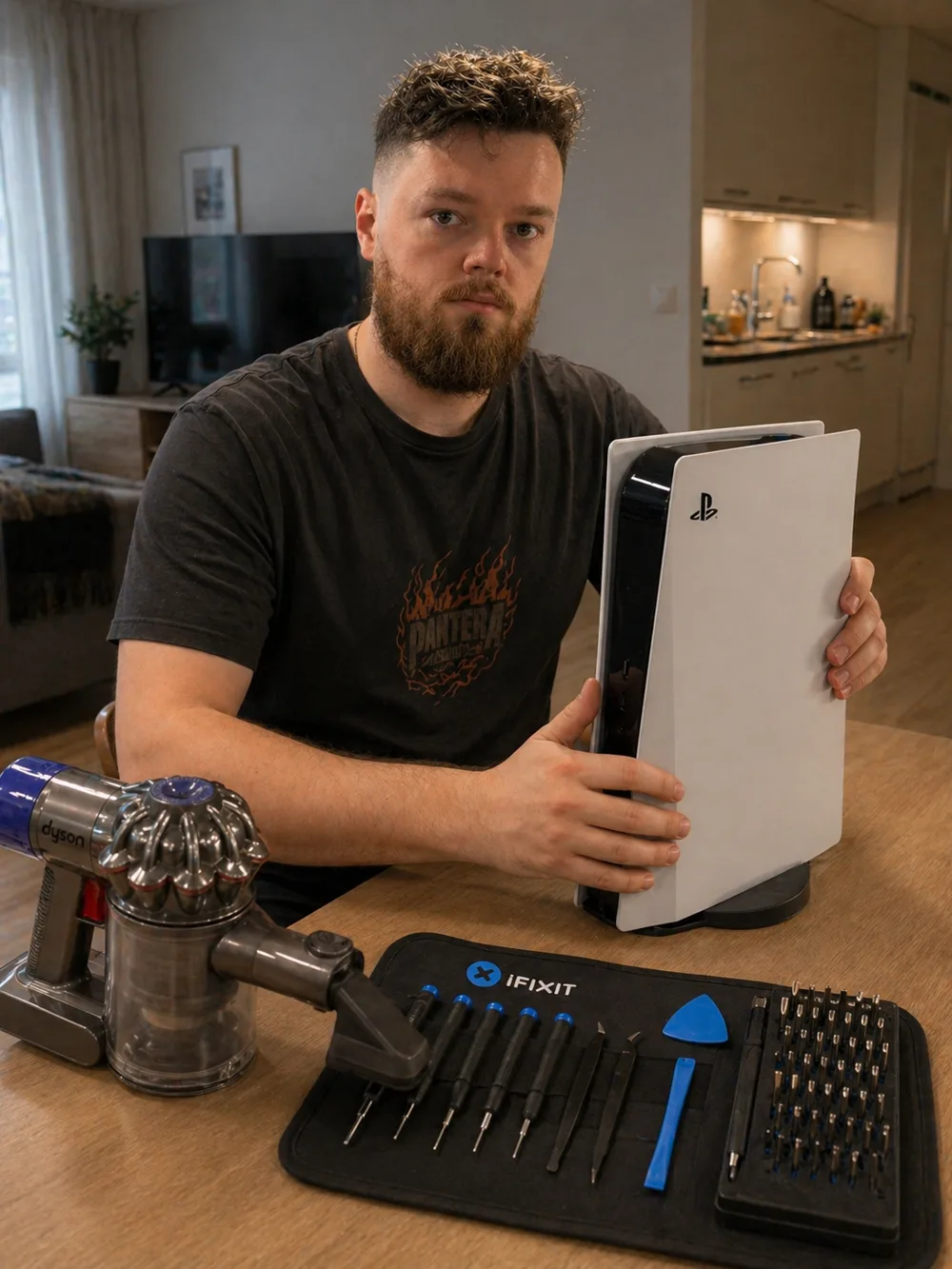
Meet Andrei.
When you book MopsiHuolto, the same person picks up the phone, drives to your door and works on your device. He's a certified repair technician with 20+ years of hands-on electronics experience — soldering, console maintenance, high-end laptop servicing.
Read the full story →You don't go anywhere.
Almost every job happens on your own table. Not as a perk — it is simply the arrangement that works better for both of us.
Is your MacBook
doing any of this?
Fans and trackpads are parts that unplug and can be replaced. At diagnosis we check that the part really is the cause before anything is ordered.
A scraping or ticking noise that comes and goes with the fan speed usually means a worn fan. Dust makes a fan loud too — that one is a cleaning, not a new fan.
The MacBook gets hot under light load and slows down, and you never hear the fan. A fan that has stopped is replaced.
The click has gone stiff, dead or uneven. Check the battery first: a swollen battery can push the trackpad up from below — we look at it at diagnosis.
The pointer jumps, freezes or ignores parts of the surface. If the trackpad itself has failed, it is replaced with one for your exact model.
Straight answer: no board-level work.
We replace modules — parts that unplug and plug back in. We don't do board-level soldering, so some faults are not ours to take, and we say so at diagnosis rather than after the laptop is open.
Chips, charging circuits and ports soldered to the board. We don't do board-level soldering.
A spill can mean a new keyboard, or it can mean corrosion on the board. We fix the first; the second is board-level work, and we tell you which one you have.
How it works.
Four steps. The price is fixed before any part is ordered.
Call, WhatsApp or Telegram. The make and model — it's on the bottom case or the box — and what the laptop is doing.
Once we know the model we find the right part and give you the exact price for the part and the work. You decide before anything is ordered.
We order the part for your exact model, and we agree the day once the part is in.
At your home or office, or bring it to us. The old part comes out, the new one goes in, and the laptop is tested before you get it back.
487+ reviews
since 2017.
“A true professional, excellent service, the computer was serviced very quickly and efficiently, home visits are very convenient, thank you very much”
“Cleaned my ps5 really well it doesn’t make a sound anymore. And also a really great guy”
“Absolutely phenomenal service. Professional, flexible and great value for money. My ps5 kept shutting down unexpectedly so I contacted Andrei. He came to my place quickly (which is convenient as you don’t have to take your console to repair and you get the service immediately) and did console cleaning and liquid metal change. However, this didn’t solve the issue. Andrei didn’t however take any fee so you have a guarantee which you won’t find in many similar places. Next morning he suggested that my power supply might be faulty and that he can try his own power supply and change it to my ps5, all this free of charge. That worked, and then Andrei helped me to order a new power supply, came a third time to my place and installed the new unit. All I finally paid for was the cleaning and liquid metal change and now I have a working ps5 again. Best customer experience in a long time.”
Questions,
answered.
Couldn't find what you need? Call us — we reply in minutes.
How much does a MacBook fan, trackpad, USB-C board or speaker replacement cost?+
It depends on the model, because the part does. The calculator on this page shows the exact price for yours — the part and the work — and nothing is ordered until you agree. You pay after the repair.
Is the part new or used?+
New, unless the calculator marks it used. For some older MacBooks iFixit sells the fan only as a used original part; those are marked, and where both exist you choose.
My MacBook fan is loud — do I need a new one?+
Often not. A fan that is loud and fast but sounds smooth is usually dust, and a cleaning fixes it. A fan that grinds, ticks or doesn't spin is worn, and that is a replacement.
My trackpad won't click — is it the trackpad?+
Not always. A swollen battery can press the trackpad up from below and stop the click. We check that at diagnosis, and if it is the battery, you get the price for that instead.
Do you come to my location?+
Yes. We come to your home or office in Helsinki, Espoo and Vantaa, and travel inside Kehä III is included. Kerava and further out: we still come, with €0.50/km on top. You can also bring the MacBook to us.
Is there a warranty?+
We don't give a separate time-limited warranty: under the Consumer Protection Act we are responsible for defects in our work and in the parts we fit for as long as the repair can reasonably be expected to last. If the fault comes back, tell us and we fix it free. Details in the Terms, §7.
Worth reading first.
Related services.
The exact price for your model, from the calculator on the page.
Loud and hot but the fan still sounds smooth? Dust removal and fresh paste.
Screen, keyboard and cable replacement, and Windows laptop batteries.
Tell us the model.
Model and what it's doing. Free diagnosis, the exact price before any part is ordered, and faults in our work fixed free.