Windows laptop
cleaning.
Fans at full tilt, a burning-hot palm rest, frames that collapse ten minutes in. Stripped, cleaned, re-pasted — quiet and fast again. On-site across Helsinki, Espoo, Vantaa and Kerava. Free diagnostics. 90-day warranty.

Pick your tier.
Two options. Same premium paste in both — the difference is how far in we go, not what goes on the die.
Bottom panel off, fans and heatsink cleaned out, fresh paste on CPU and GPU. Fixes the overwhelming majority of thermal cases.
- Bottom panel removal
- Fan cages and fin stacks cleaned
- Premium thermal paste on CPU and GPU
- Vents and intake grilles cleared
- Keyboard surface clean
- 90-day warranty
- Free diagnostics
Everything above plus measured replacement of the VRM and video-memory pads. This is the tier for a gaming laptop that throttles even after a clean.
- Full strip and clean
- Premium thermal paste on CPU and GPU
- VRM and VRAM thermal pads measured and replaced
- Fan bearing check
- Load test with temperatures logged
- 90-day warranty
- Free diagnostics
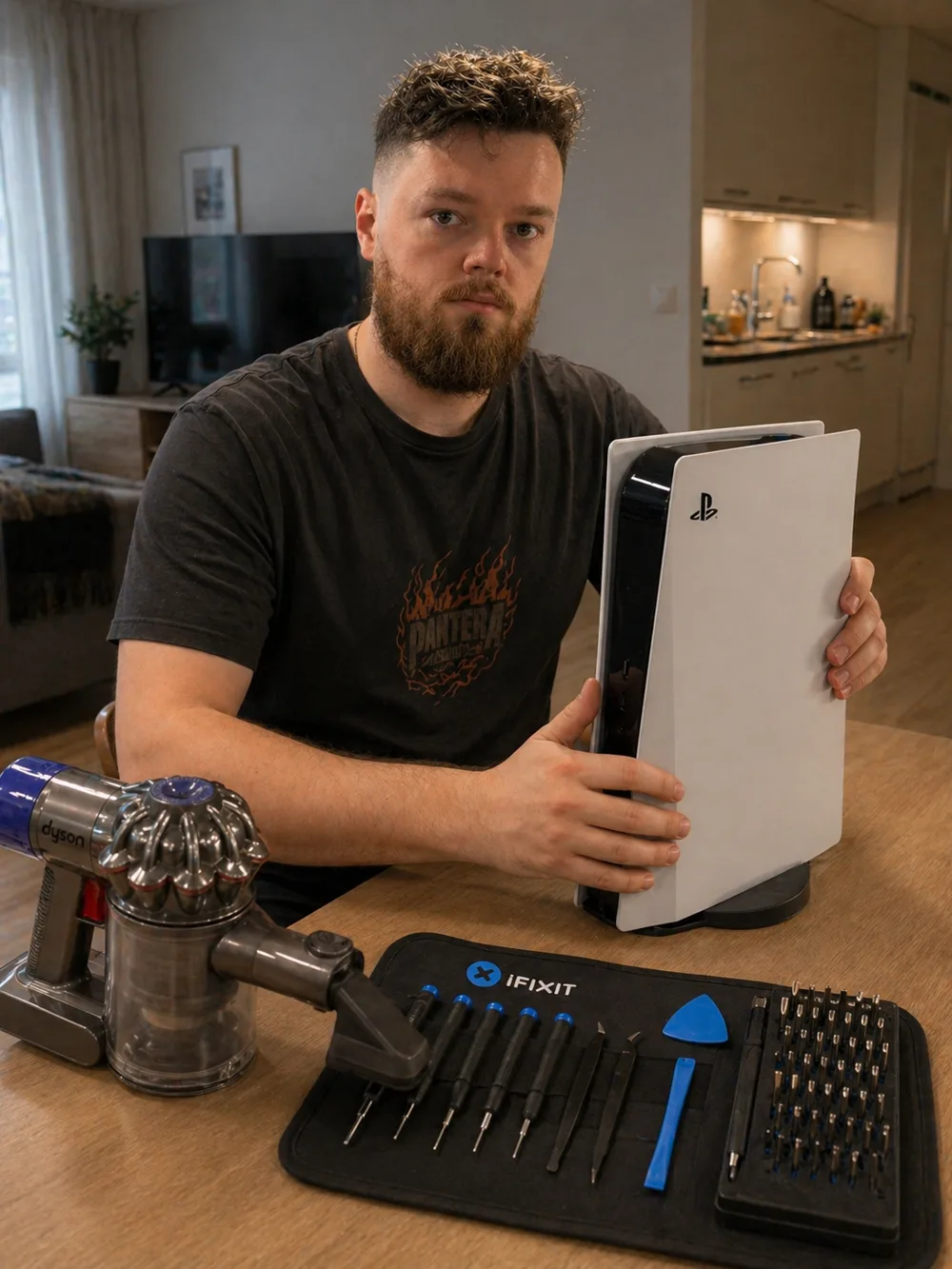
Meet Andrei.
When you book MopsiHuolto, the same person picks up the phone, drives to your door and works on your device. He's a certified laptop repair master with 20+ years of hands-on electronics experience — soldering, console maintenance, high-end laptop servicing.
Read the full story →You don't go anywhere.
Almost every job happens on your own table. Not as a perk — it is simply the arrangement that works better for both of us.
Is your laptop
doing any of this?
A laptop heatsink is a few millimetres thick and its fins sit millimetres apart. It takes far less dust to choke than a desktop — which is why laptops are the machines we re-paste most often.
Fans at full RPM on the desktop with nothing running. Dust packed into the fin stack means the fan has to move three times the air to shed the same heat.
Too hot to keep on your lap. When the heatsink can't get heat out of the vents, the chassis becomes the radiator.
60 fps for the first ten minutes, then half that and it never comes back. That is the CPU and GPU hitting their thermal ceiling and dropping clocks to stay alive.
Sudden power-off mid-game or mid-render, no blue screen. The firmware pulled the plug before the silicon cooked. Do not keep using it like this.
Heat is the silent killer.
A laptop has nowhere to put heat except through a heatsink the thickness of a pencil. Once that is blocked, everything downstream of it starts paying — quietly at first.
A throttling laptop runs at a fraction of its rated clocks. You bought the fast one and you are using a slow one, every day, without a single error message to tell you.
Lithium cells degrade with heat, and the battery sits directly under a chassis that has become the radiator. A hot laptop loses capacity years earlier than a cool one.
A clogged fan runs at maximum RPM permanently and reaches its rated life in half the time. A replacement fan for a gaming laptop is €40–€90 in parts, plus the same strip-down as a clean.
Years at the thermal ceiling fatigue the solder under the CPU and GPU. The end of that road is random shutdowns or no display, and on a soldered laptop board that is usually the end of the laptop.
How it works.
Four steps. No surprises and no upselling once the bottom panel is off.
Call, WhatsApp or Telegram. We agree a time that suits you on the call.
Tell us the make, the model and what it does — fans howling at idle, hot underside, frames dropping after ten minutes. That is usually all we need. You get a fixed price before anyone sets off.
Bottom panel off, fan cages and fin stacks cleaned out, dried paste removed from CPU and GPU dies, fresh premium paste on both, reassembly to torque.
Put under a real load — a game or a render, not a menu screen. The temperatures and the fans have to settle and stay settled before we pack up.
Before / After.
What actually changes after a full service — the difference you notice using it. These are outcomes, not sensor readings: what you will see and hear, not numbers we did not take on your machine.
Laptop thermal-paste and pad behaviour documented in teardowns and repair guides at iFixit — see the laptop cooling teardowns.
473+ reviews
since 2017.
“Amazing service! He came to my place to fix my water-damaged laptop. He did a very thorough cleaning, and now it works like new. Very convenient and professional. Highly recommend!”
“Fast and professional service! Highly recommend this one for any laptop/gear/whatever hardware occasion and consider it to be fairly cheap compared to the local market. Got my laptop fixed and ready to go in just an hour! Highly appreciate it 👍”
“Andrey helped me with a child's laptop diagnostics and clean up. Efficient and reliable. Highly recommend”
Questions,
answered.
Couldn't find what you need? Call us — we reply in minutes.
Which laptops do you service?+
Effectively all of them. Lenovo, HP, Dell, ASUS, Acer, MSI, Razer, Huawei, Samsung and the rest — ThinkPads, gaming laptops and ordinary office machines alike. Tell us the model when you call; if it is one of the rare designs where the heatsink is not reachable without a near-total strip, we will say so before we come out rather than after.
Will I lose my files?+
No. Cleaning and a paste change do not touch storage at all — Windows, your programs and your files stay exactly as they are. The only thing we touch on the software side is a Windows reinstall, and that is something you would be asking for on purpose. Keep your own copy of anything that matters regardless.
How long does the service take?+
Most laptops are 1 to 1.5 hours. A gaming laptop where the pads are being replaced too runs closer to 2 hours, because the heatsink comes off completely and each pad has to be measured rather than guessed. We work on-site at your table.
How often should a laptop be cleaned?+
Every 18–24 months for an office machine on a desk. Every 12 months if it is a gaming laptop, if it spends time on a bed or a sofa where the intakes get blocked, or if there is a pet or a smoker in the house. If it is already loud or already throttling, it is late rather than early.
Does opening it void the warranty?+
If your laptop is still under the manufacturer's warranty, opening it may void that cover — the rules differ by brand, and some explicitly allow user access to the cooling. Tell us the model and the purchase year when you call and we will say honestly whether to go to the manufacturer first. Most of the machines we see are years past it. Our own work carries 90 days.
Can't I just blow it out with compressed air?+
It moves dust around inside the chassis rather than out of it, and it does nothing at all for paste that has dried to chalk — which on a laptop three or four years old is usually the bigger half of the problem. Spinning the fan with a can can also damage the bearing. It is not useless, it is just not the job.
Do you come to my location?+
Yes — most laptop cleaning is done at your home or office across Helsinki, Espoo and Vantaa. Travel is included in the price. Kerava and anywhere else beyond Kehä III: we still come, with €0.50/km on top and travel for agreed work only.
Related services.
Dust removal and fresh paste on CPU and GPU for MacBook Air and Pro.
Full dust removal, fresh paste on CPU and GPU, RGB-fan service for custom builds.
Assembly, upgrades and cable management, billed by the hour.
Book laptop cleaning.
Quiet fans, a palm rest you can touch, and the frame rate you paid for. 90-day warranty. Free diagnostics first.