MacBook cleaning
& thermal paste.
Quiet fans, cool CPU, no more thermal throttling. Full dust removal, fresh paste on CPU and GPU. On-site across Helsinki, Espoo, Vantaa and Kerava. Free diagnostics. 90-day warranty.
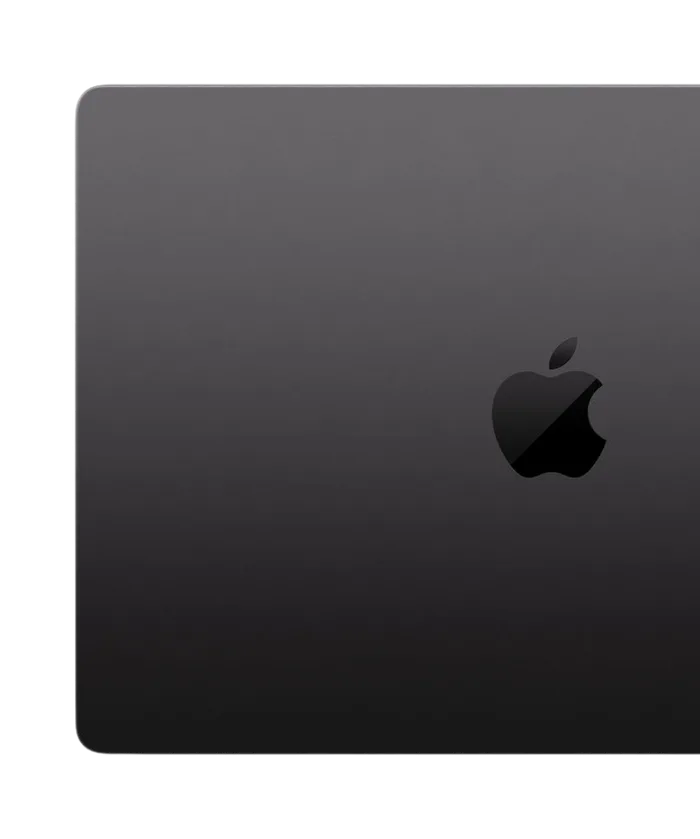
Pick your tier.
Two service options. Same premium paste in both — you're paying for the depth of work, not the materials.
Full bottom-case removal, fan and heatsink cleaning, fresh paste on CPU and GPU. Fixes 9 out of 10 thermal cases.
- Bottom case removal
- Fans and heatsink cleaning
- Premium thermal paste on CPU and GPU
- Heatsink and fan stripped and cleaned
- Noticeably cooler and quieter
- 90-day warranty
- Free diagnostics
Everything above plus battery health diagnostic, keyboard surface clean and full chassis check. For MacBooks 4+ years old.
- Full disassembly and cleaning
- Premium thermal paste on CPU and GPU
- Battery cycle and health report
- Keyboard surface clean
- Hinge and speaker check
- 90-day warranty
- Free diagnostics
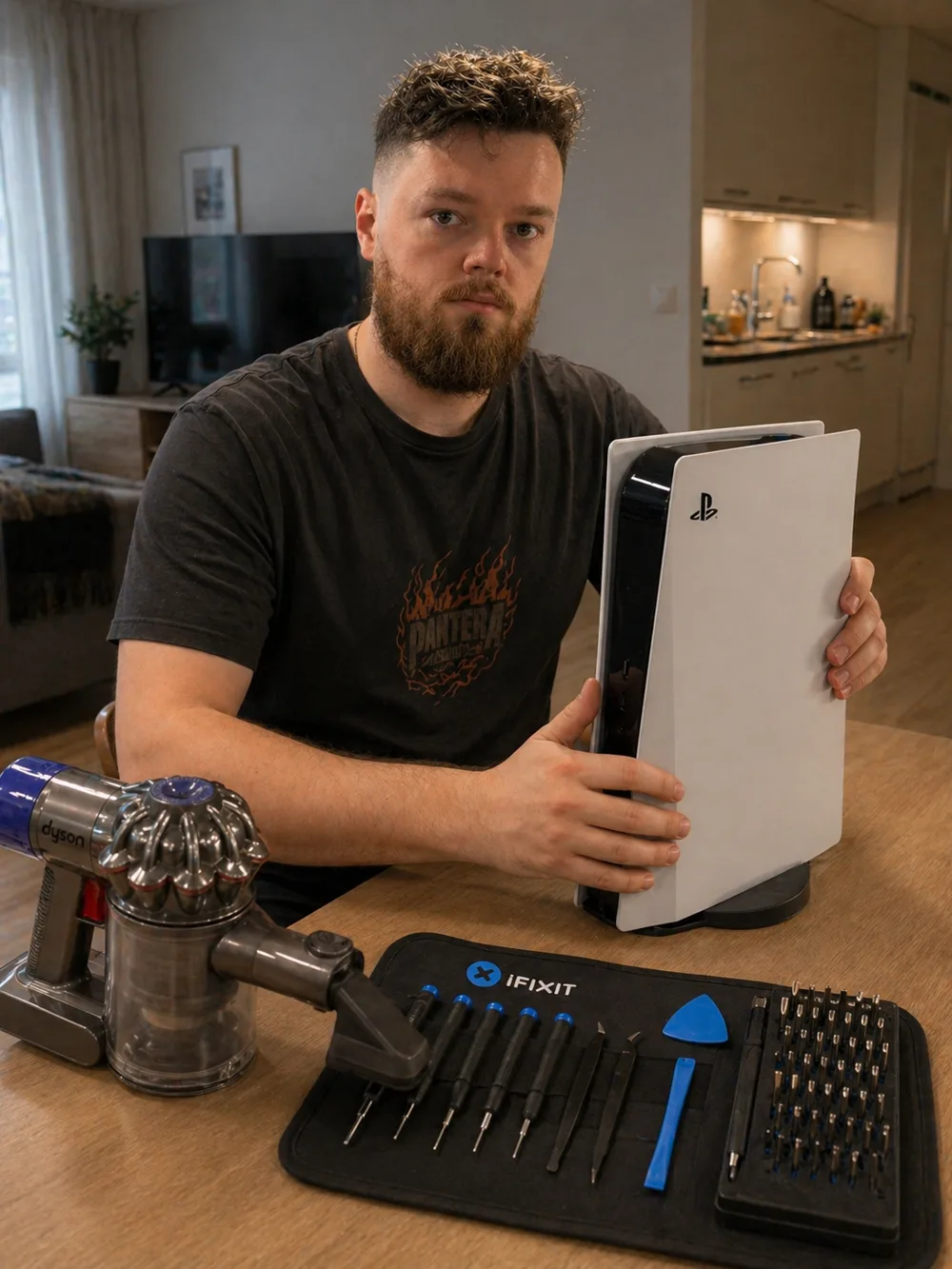
Meet Andrei.
When you book MopsiHuolto, the same person picks up the phone, drives to your door and works on your device. He's a certified laptop repair master with 20+ years of hands-on electronics experience — soldering, console maintenance, high-end laptop servicing.
Read the full story →You don't go anywhere.
Almost every job happens on your own table. Not as a perk — it is simply the arrangement that works better for both of us.
Is your MacBook
showing these signs?
Apple does not service MacBooks for dust — they replace logic boards. We clean and re-paste, which fixes the problem at a fraction of the cost.
MacBook howls even on a desktop with nothing open. Dust on the heatsink fins forces fans to compensate at full RPM.
Aluminium chassis is uncomfortable to type on. The CPU runs hot enough to dump heat through the case because the fan can't move enough air.
Spotlight, Photos export, Final Cut — fast at first, then it crawls. The CPU is hitting its thermal ceiling and dropping clocks to survive.
Crumbs and dust under the keycaps. We surface-clean the keyboard during the service — won't fix a butterfly mechanism, but removes years of grime.
Heat is the silent killer.
Once the CPU is running at its limit every day, the damage compounds quietly. By the time the MacBook reboots on its own, the bill is already a logic-board replacement.
Running at the thermal limit day after day accelerates electromigration. Performance drops permanently — even after a later cleaning, the chip won't recover its original speed.
Repeated heating and cooling cracks BGA joints under the CPU and GPU. Eventual symptom: random shutdowns or no display.
Apple's only fix for serious thermal damage is a logic-board swap — €700–€1 200 depending on model. €89 cleaning today prevents that bill.
Clogged fans run at 5 000+ RPM constantly. Bearings wear in half the rated life. Replacing both MacBook Pro fans is €120–€180 in parts alone.
How it works.
Four steps. No surprises, no upselling once the bottom case is open.
Call, WhatsApp or Telegram. We arrange a time that works — mornings, evenings, weekends.
Tell us the model, the year and what it does — fans spinning at idle, hot palm rest, stutter under load. That is normally all we need. You get a fixed price before we set off.
Bottom case off, fans and heatsink cleaned, old paste removed, fresh premium paste on CPU and GPU dies, reassembly with calibrated torque.
Reassembled and pushed with a real workload. The fans have to settle and stay settled before we pack up.
Before / After.
What actually changes after a full service — the difference you notice using it. These are outcomes, not sensor readings: we tell you what you will see and hear, not numbers we did not take.
MacBook thermal-paste impact baseline from iFixit teardowns and the MaxTech YouTube channel — see their MacBook re-paste tests.
485+ reviews
since 2017.
“Amazing service! He came to my place to fix my water-damaged laptop. He did a very thorough cleaning, and now it works like new. Very convenient and professional. Highly recommend!”
“Fast and professional service! Highly recommend this one for any laptop/gear/whatever hardware occasion and consider it to be fairly cheap compared to the local market. Got my laptop fixed and ready to go in just an hour! Highly appreciate it 👍”
“Andrey helped me with a child's laptop diagnostics and clean up. Efficient and reliable. Highly recommend”
Questions,
answered.
Couldn't find what you need? Call us — we reply in minutes.
Will this void my Apple warranty?+
Opening the bottom case voids the Apple manufacturer warranty. If your MacBook is still under warranty (under 1 year, or under 3 with AppleCare+), book service through Apple instead. For older MacBooks where the warranty has expired, our service is the most cost-effective way to restore cooling. We provide our own 90-day warranty on the work.
Which MacBook models do you service?+
Every Intel and Apple Silicon MacBook from 2015 onwards: MacBook Air, MacBook Pro 13/14/15/16, including M1/M2/M3 models. Apple Silicon MacBooks run cooler, but the fans still collect dust and benefit from cleaning every 2–3 years.
Do Apple Silicon MacBooks need this service?+
Less often than Intel ones, but yes. M1/M2/M3 MacBook Pros still have fans, and dust accumulates on the heatsink fins the same way. After 3+ years of daily use we typically see the fans getting louder and the machine running hotter. Apple Silicon MacBook Airs are fanless, so they only need a chassis clean.
How long does the service take?+
Cleaning + paste: about 1.5 hours. Full service with battery check: about 2 hours. We work on-site at your home or office — bring out a kettle, we'll bring back a quiet MacBook.
Can you fix a stuck keyboard or replace it?+
We surface-clean the keyboard during service, which removes crumbs, dust and surface grime. Replacing individual keys or a whole top case is a separate workshop job — we'll quote it after diagnosis if it's needed.
Do you come to my location?+
Yes — most MacBook cleaning is done at your home or office across Helsinki, Espoo and Vantaa. Travel is included in the price. Kerava and anywhere else beyond Kehä III: we still come, with €0.50/km on top and travel for agreed work only.
Related services.
Full dust removal, fresh paste on CPU and GPU, RGB-fan service for custom builds.
Assembly, upgrades and cable management, billed by the hour.
Liquid metal, thermal paste and dust removal for PlayStation 5.
Book MacBook cleaning.
Quiet fans, cool CPU, faster sustained performance. 90-day warranty. Free diagnostics first.